Applying for the UK ETA, step by step
The official GOV.UK application, in pictures.
About 10 minutes · pictures checked October 2026
The pictures with the form and the Submit button use a test portal and a fictional specimen passport. The official site looks different, but the steps are the same.
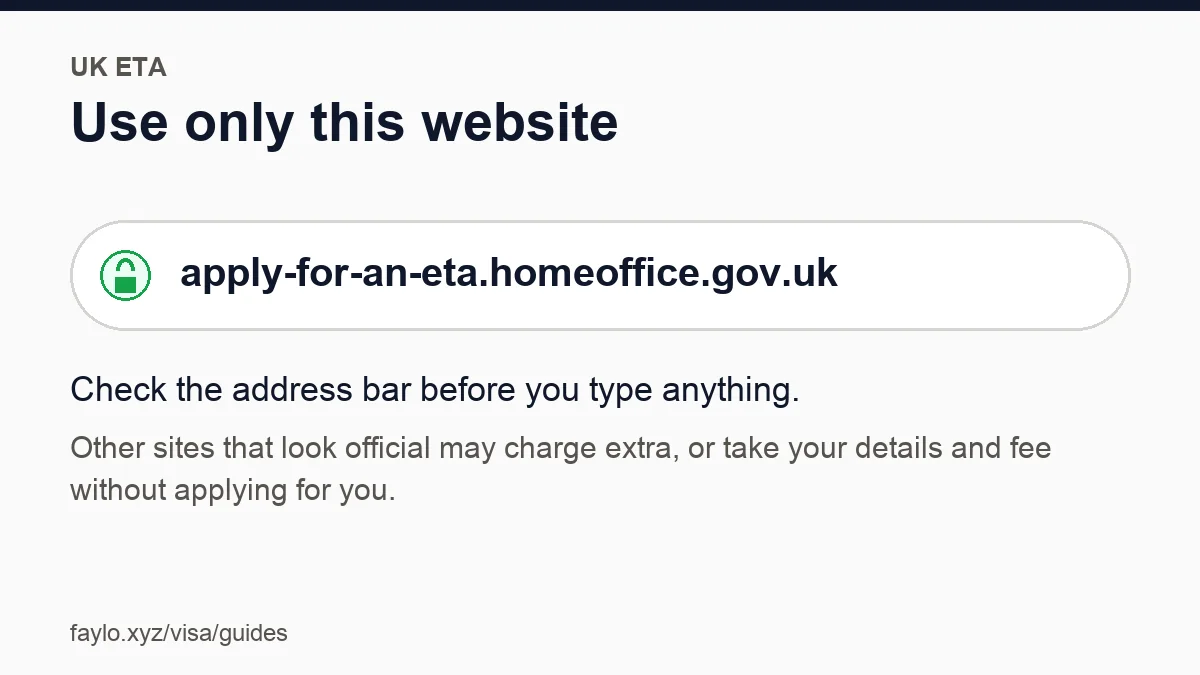
Open the right website
apply-for-an-eta.homeoffice.gov.uk. Nothing else.
Tip: Type it or use the button on your Faylo page.
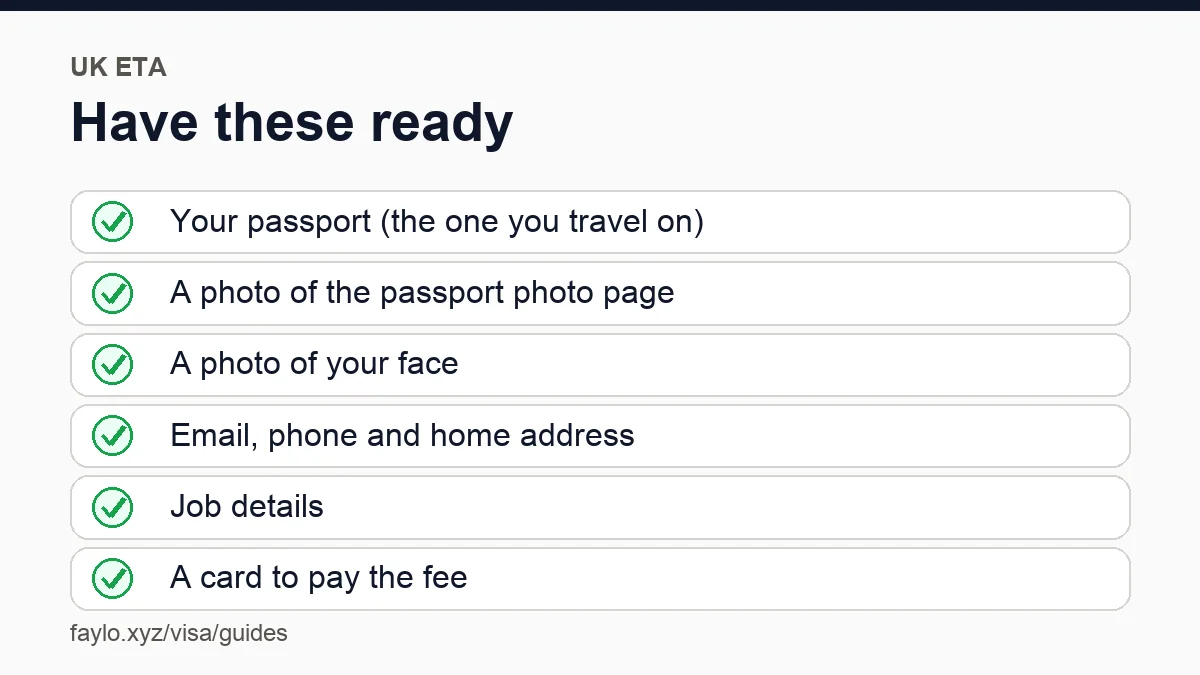
Have these ready
Passport, a photo of its photo page, a face photo, and a card.
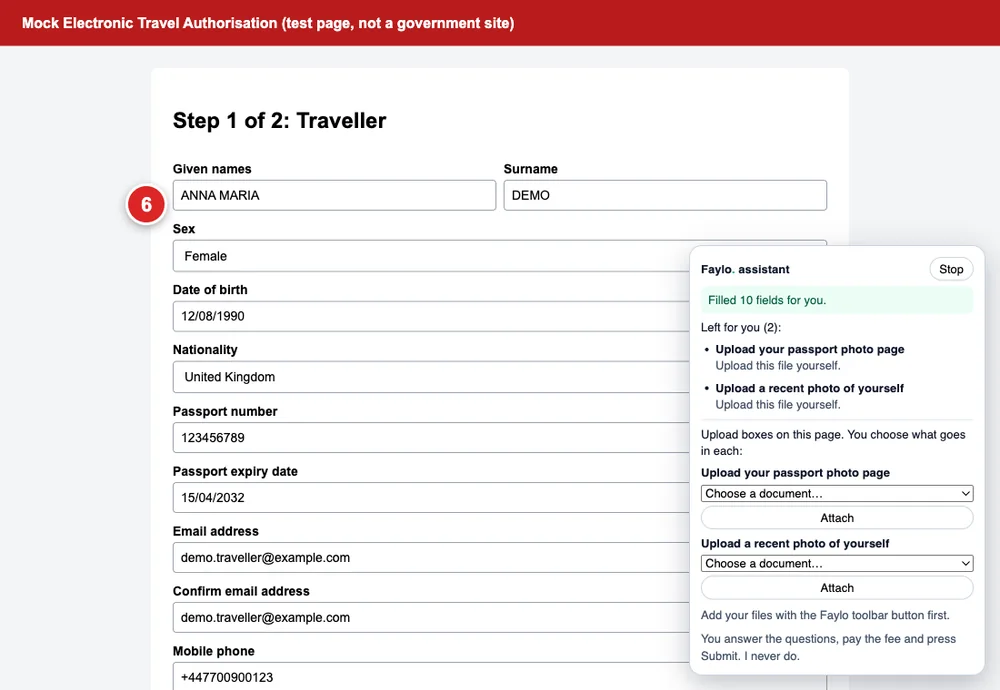
Your details fill in
Name, passport and trip details appear on each page.
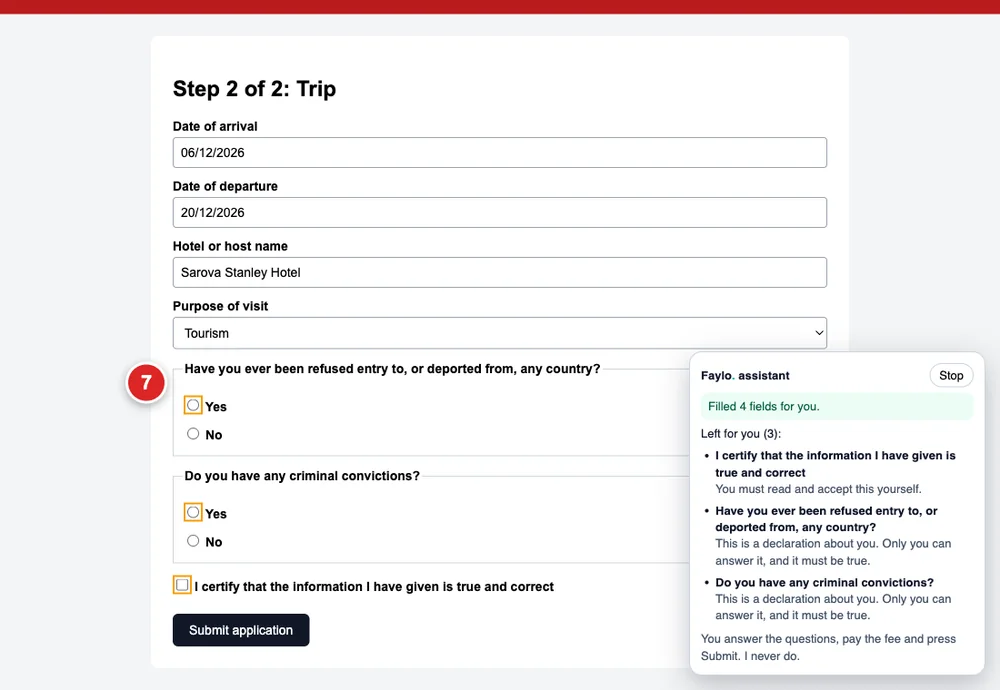
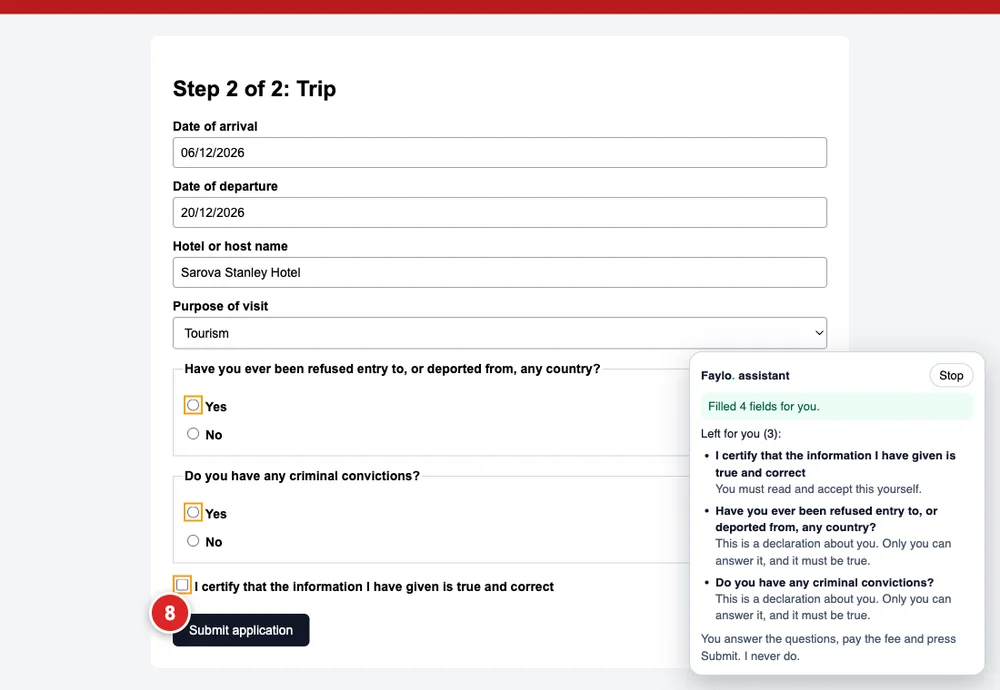
The personal questions are yours
Yes/no questions and 'I certify' boxes stay empty and highlighted.
Tip: Answer them yourself, truthfully.
Know the fee and the wait
GBP 20, not refundable. Often a decision within a day.
Tip: An ETA doesn't guarantee entry.
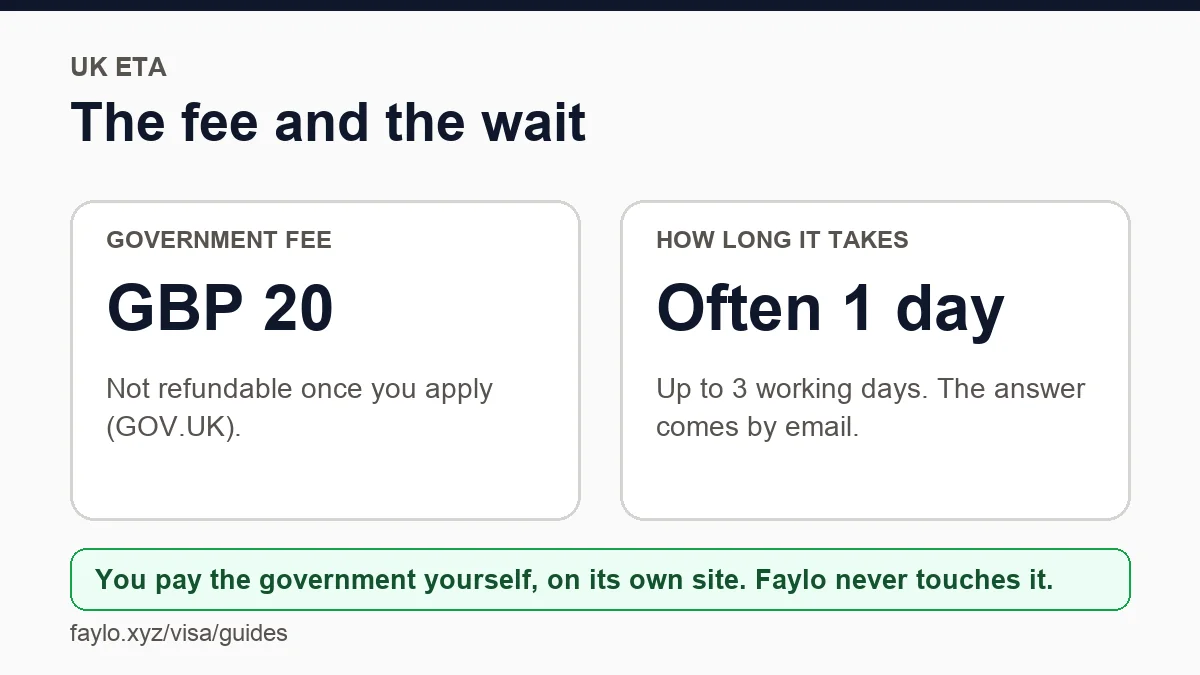
You pay and press Submit
We never do. Keep the confirmation.
Tip: Most African passports need a visa for the UK, not an ETA.
Not sure you need a visa at all?
Check your passport and destination first. It's free and takes ten seconds.
Check my visaMore guides
Faylo is not an embassy or an immigration adviser and can't guarantee a visa. Always confirm on the official site before you pay or book.