How the Faylo Visa Assistant works
Eight short steps. You stay in control the whole way.
About 10 minutes · pictures checked October 2026
The pictures use a test portal and a fictional specimen passport. The real official site looks different, but the steps are the same.
Open your private link
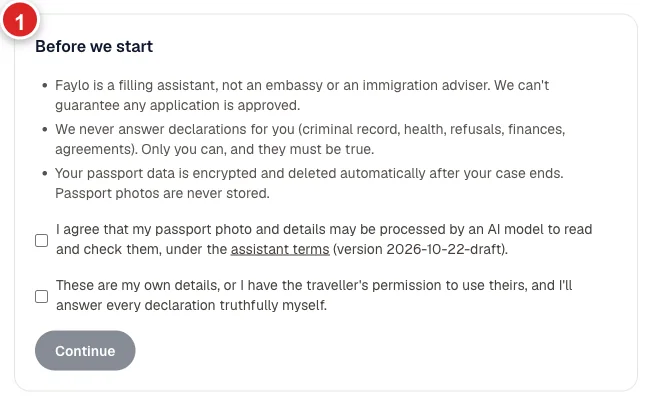
Agree to how your data is handled. Two ticks.
Photograph your passport
The photo page, flat, with the two lines at the bottom in view.
See how to take a good photo →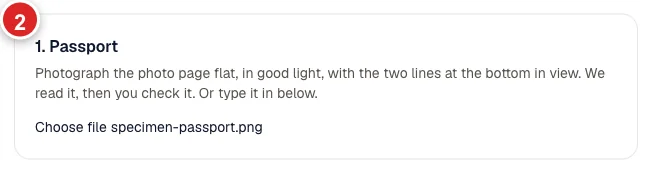
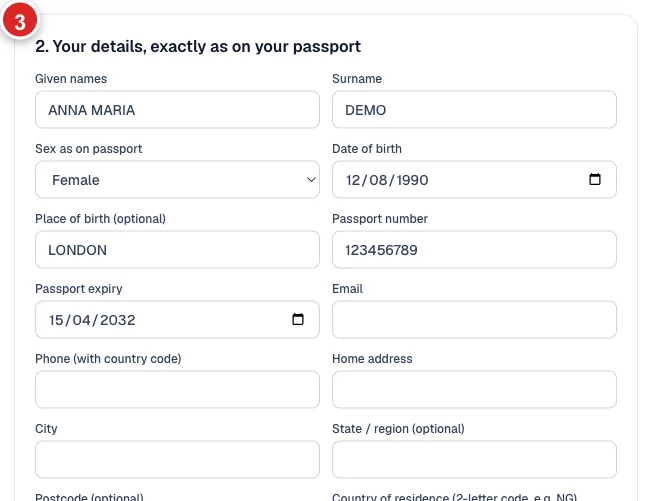
Check what we read
Fix anything that's wrong, then add your contact and trip details.
Approve your details
Check every letter against your passport, then approve.
Tip: Nothing is filled anywhere until you approve.

Start filling
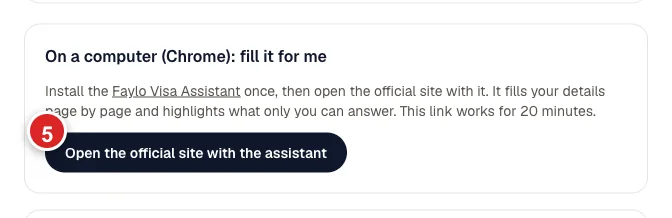
Open the official site with the assistant.
Tip: On a phone, use the tap-to-copy list instead.
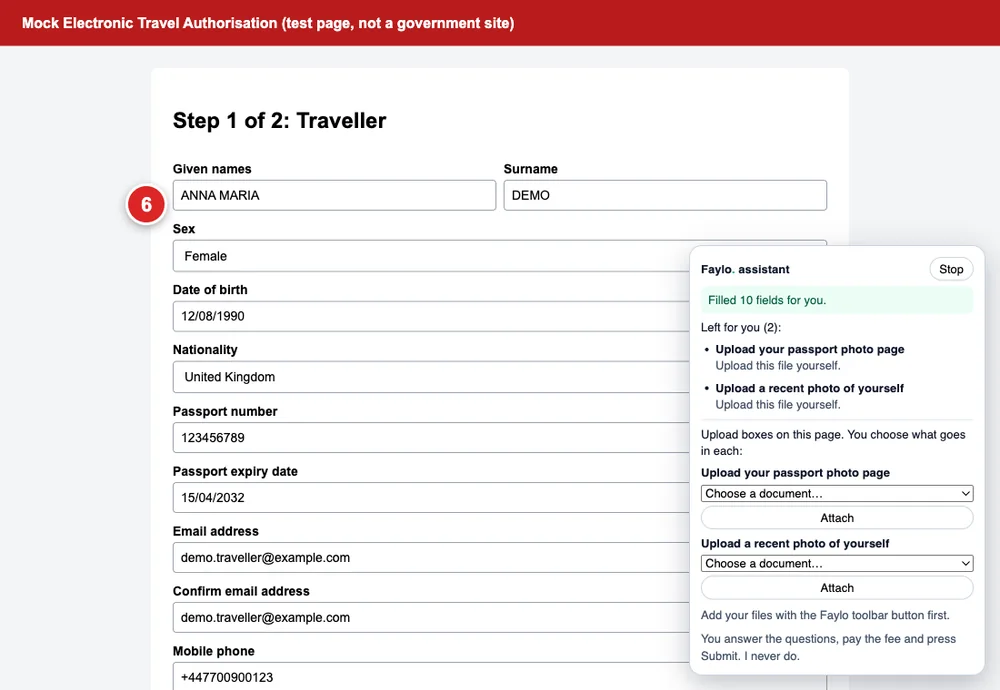
Your details fill in
Name, passport and trip details appear on each page.
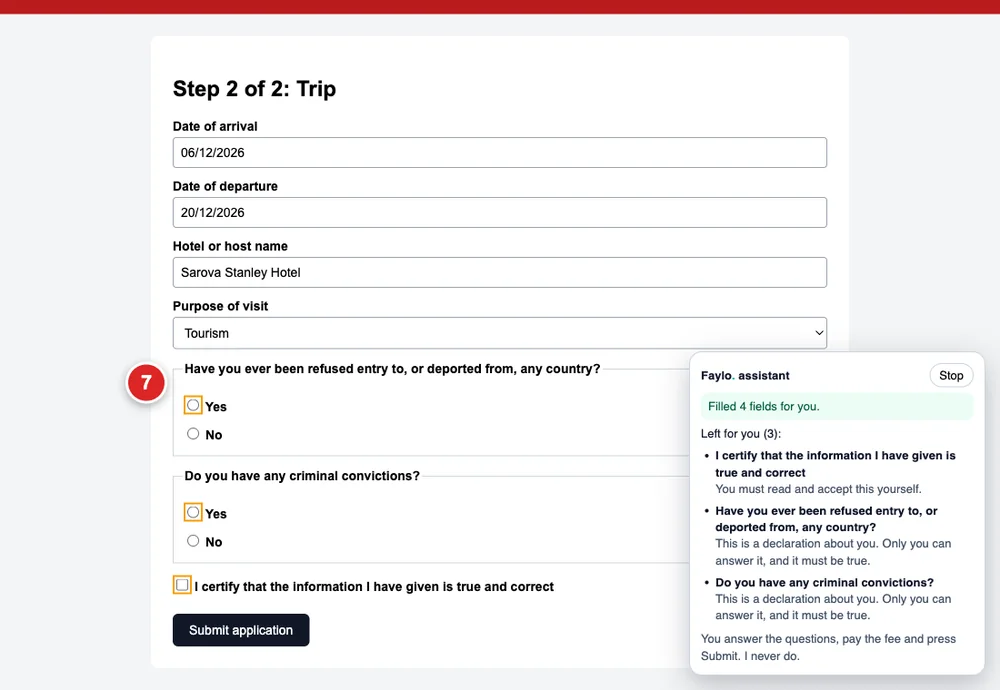
The personal questions are yours
Yes/no questions and 'I certify' boxes stay empty and highlighted.
Tip: Answer them yourself, truthfully.
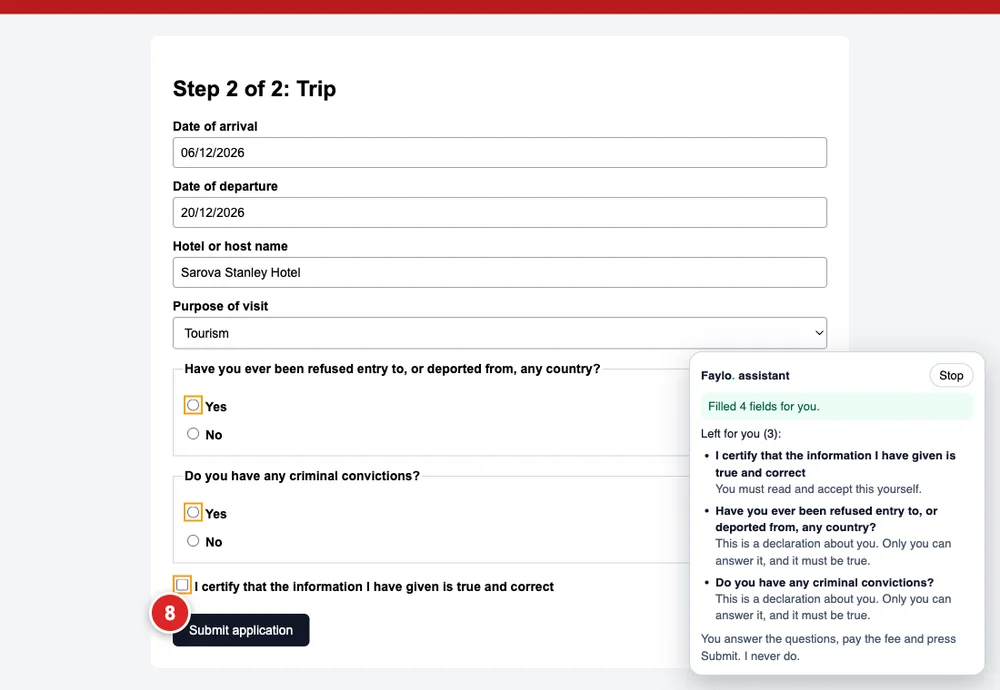
You pay and press Submit
We never do. Keep the confirmation email.
Not sure you need a visa at all?
Check your passport and destination first. It's free and takes ten seconds.
Check my visaMore guides
Faylo is not an embassy or an immigration adviser and can't guarantee a visa. Always confirm on the official site before you pay or book.