How to photograph your passport page
A clear photo is read in seconds. A bad one means retyping.
30 seconds · pictures checked October 2026
Pictures use a fictional specimen passport.
Do this
Lay it flat. Whole page in view. Even light.
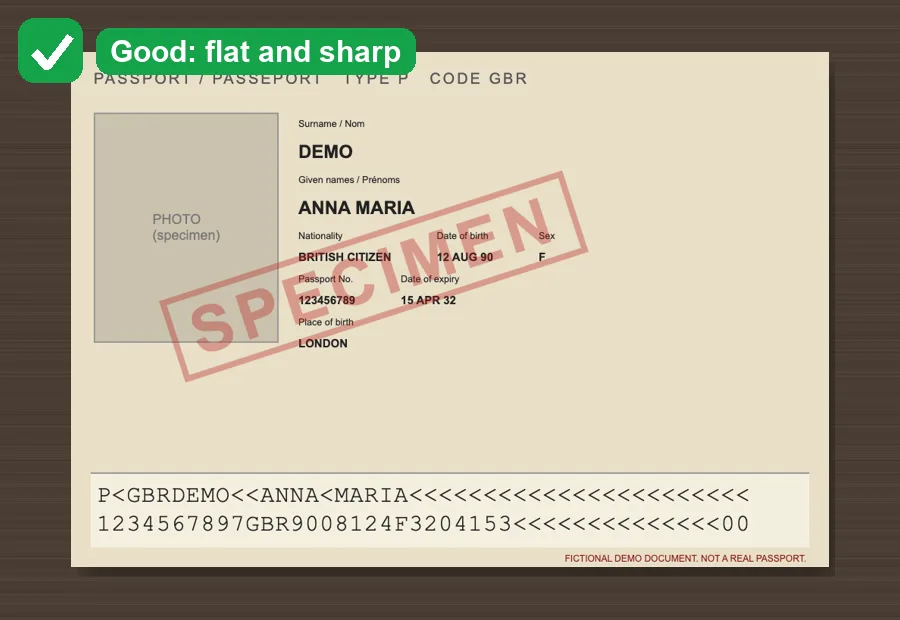
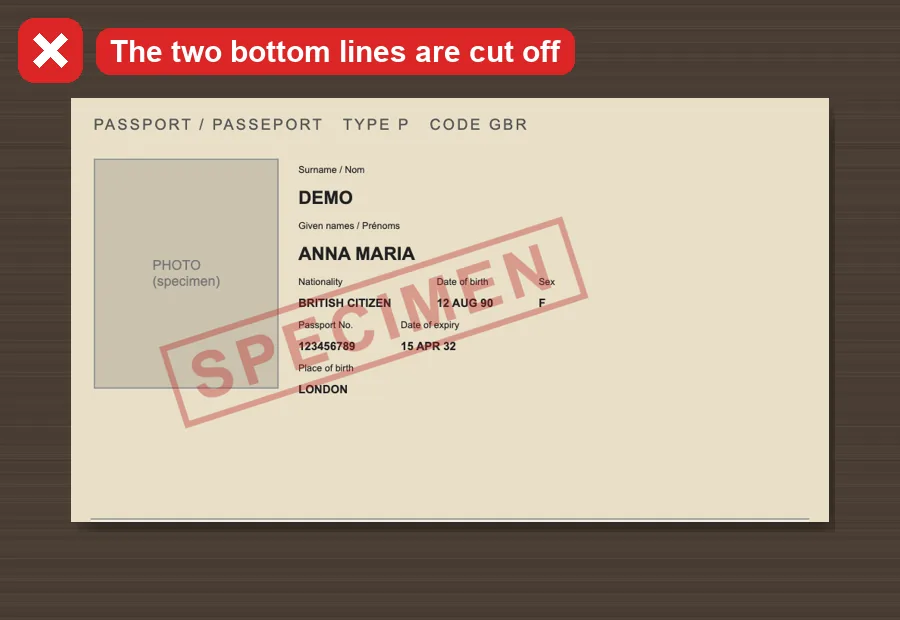
Show the two bottom lines
The lines of < and numbers must not be cut off.
Tip: They let us check every character.
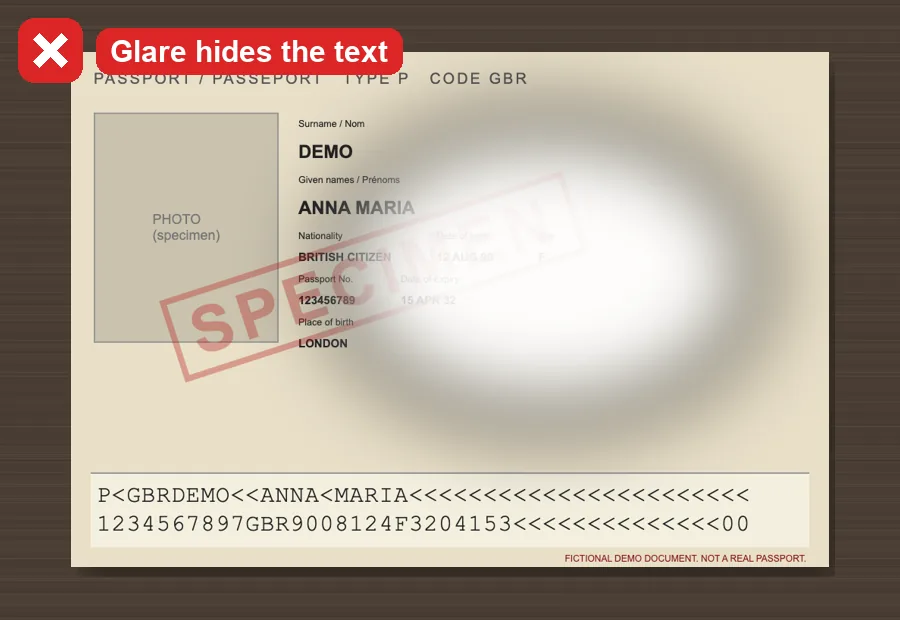
No glare
Move away from lamps and windows.
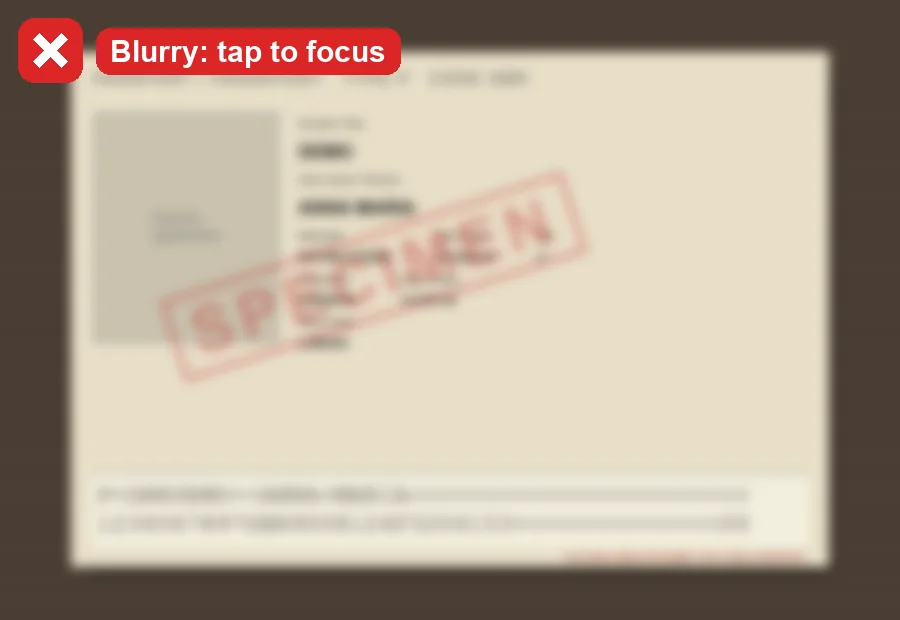
Keep it sharp
Hold steady and tap the screen to focus.
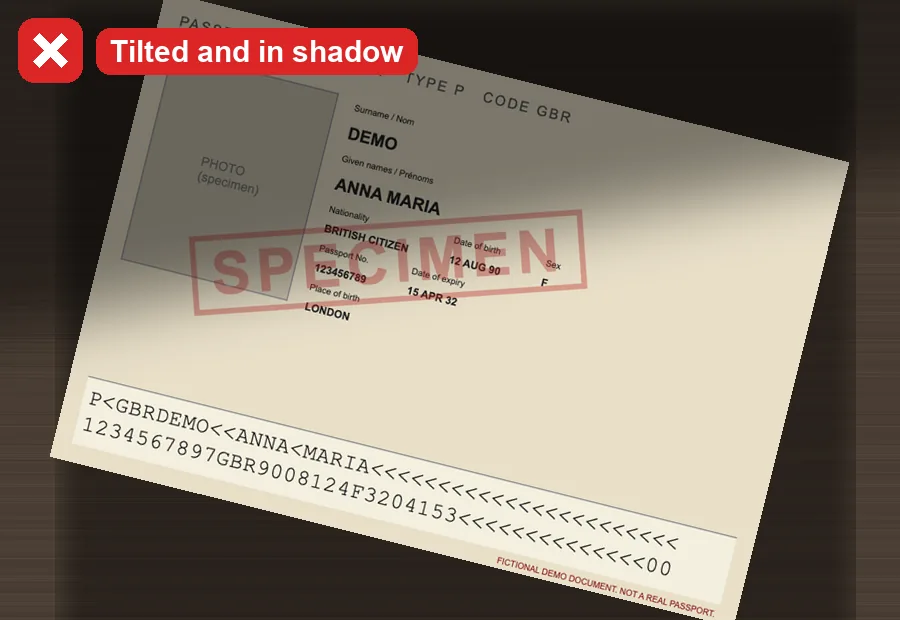
Straight on, not tilted
Hold the phone above the page, not from the side.
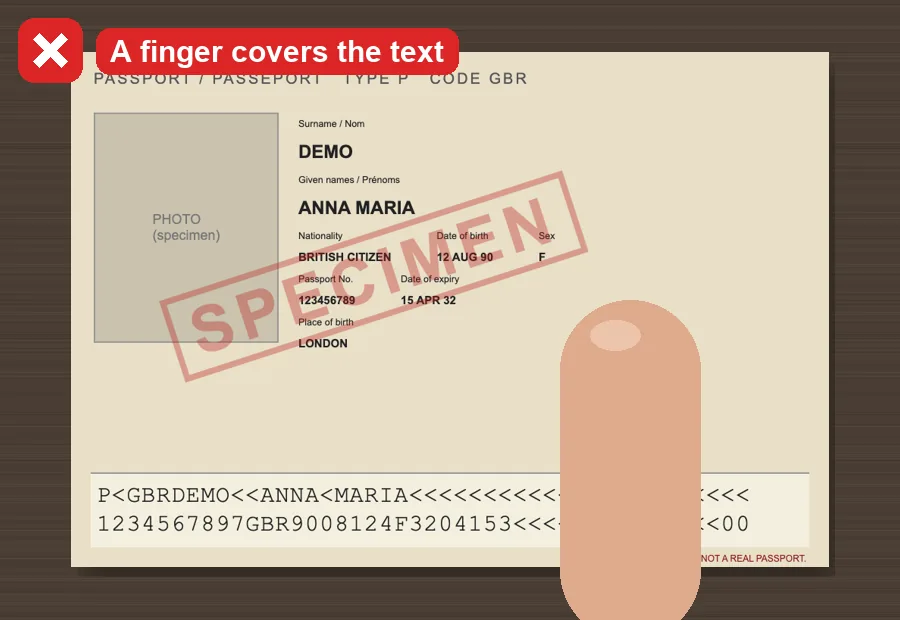
Fingers and covers away
Nothing should sit over the page.
Not sure you need a visa at all?
Check your passport and destination first. It's free and takes ten seconds.
Check my visaMore guides
Faylo is not an embassy or an immigration adviser and can't guarantee a visa. Always confirm on the official site before you pay or book.